# Articles
The *Articles* section (avaible on X (formely Twitter) Facebook, Threads, Telegram, LinkedIn and Bluesky) allows you to access to published articles and shared within your Topic, on the defined period of time.
### Different sorting options
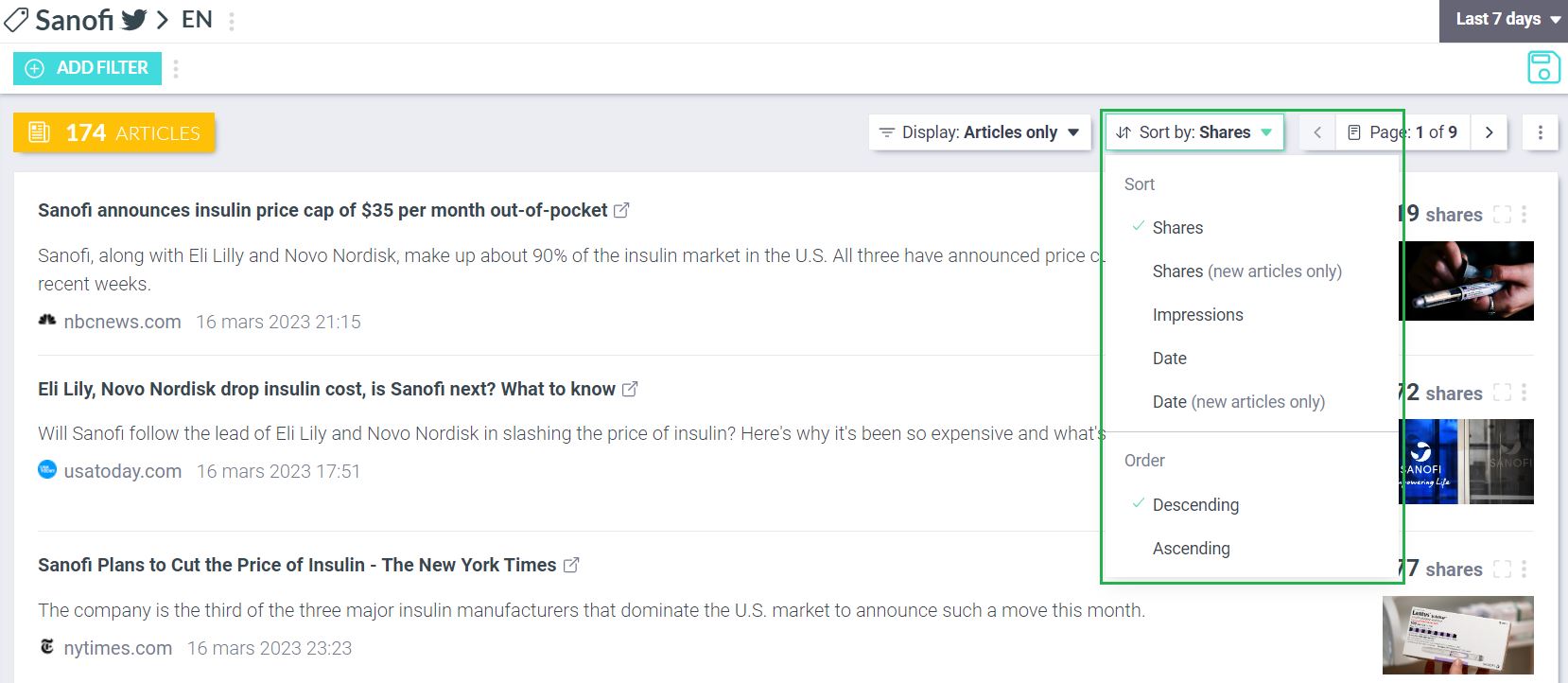
You can choose different ways of sorting the Articles section (these sorting options depend on the social media):
{% tabs %}
{% tab title="X (formely Twitter)" %}
### Sort by:
#### Shares
On X (formely Twitter), articles are sorted by default according to the number of generated shares. It allows you to quickly get the most viral article of your Topic on this social media, on the defined period of time.
#### Impressions
You can also sort the articles [**by impressions**](https://help.visibrain.com/~/revisions/Sg0jEnRI9hg61KE4OFRP/glossary#impressions). It allows you to sort the articles according to the number of potential views.
#### Date
You can also sort the articles by date from newest to oldest (or the opposite) to identify the 1st article shared on your Topic.
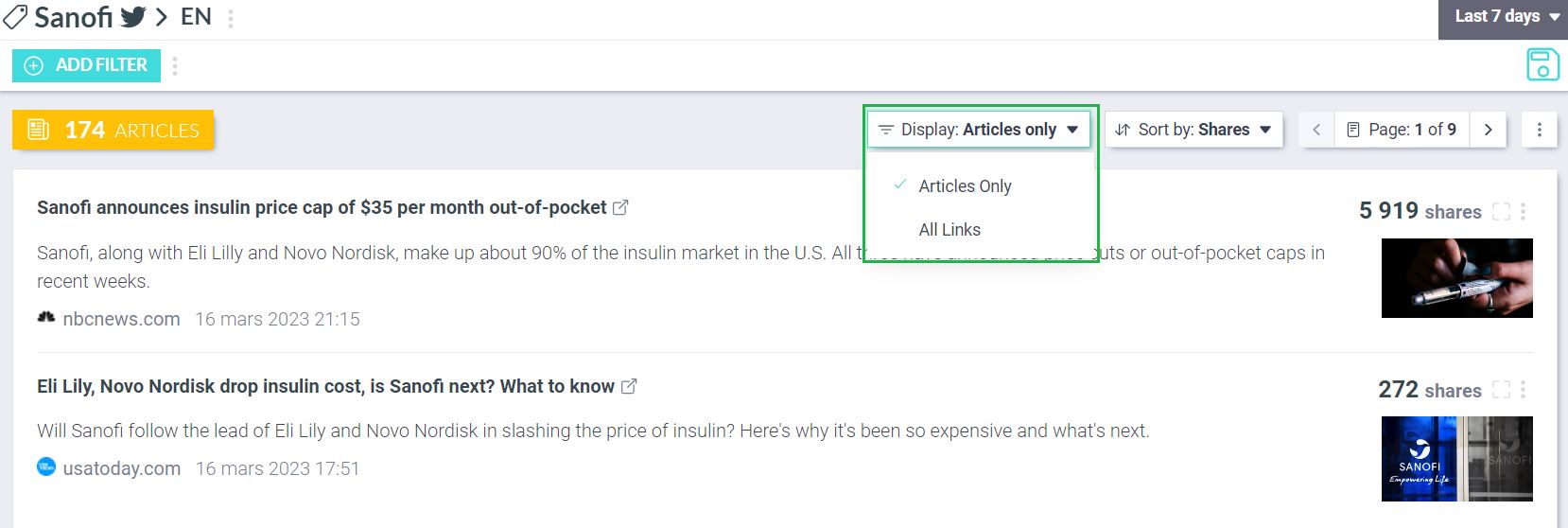
### Display:
#### Articles Only
On X (formely Twitter), you have access to press and blog articles by default.
#### All Links
You can click on "All links" which includes press and blogs articles but also every links shared on X (formely Twitter): petitions, websites, various documents,...
{% endtab %}
{% tab title="Facebook" %}
### Sort by:
#### **Total interactions**
On Facebook, articles are sorted by default according to the number of total generated interactions. It allows you to quickly get the article with the most reactions, comments and shares of your Topic on this social media, on the defined period of time.
#### Likes, Shares, Posts
You can also sort the articles by number of Likes, Shares or number of times they have been shared within a Post. You can sort the articles according to the most pertinent indicator for your needs.
#### Date
You can also sort the articles by date from newest to oldest (or the opposite) to identify the 1st article shared on your Topic.
{% endtab %}
{% endtabs %}
### Choose article(s)
You can choose an article on the go, by clicking on the target (on the top right of the chosen article), in order to learn more about this article.
By filtering on this article, every datas within the sections on the left (Volume, Tweets, Users, Analytics and Demographics) are updated and only state elements linked to the chosen article.
For instance, by clicking on the Tweets section, you can see the ranked tweets, sharing the chosen article:
By clicking on the Users section, you can see every X (formely Twitter) accounts who shared the chosen article:
You can also filter on several articles at the same time, by pressing the **ALT** key (PC) or the **OPTION** key (Mac) on your keyboard, it will enable you to select several items all at once: